English Reading Word Lookup Assistant
A Chrome extension for English reading that provides contextual translation and word explanation via OpenRouter, with vocabulary sync to Eudic.

English Reading Word Lookup Assistant is a Chrome extension designed to enhance your English web reading experience. Select any word, phrase, sentence, or paragraph on a webpage to instantly get contextual translations and explanations — no more switching between dictionaries, translation websites, and note-taking tools. It keeps your reading flow smooth and efficient.
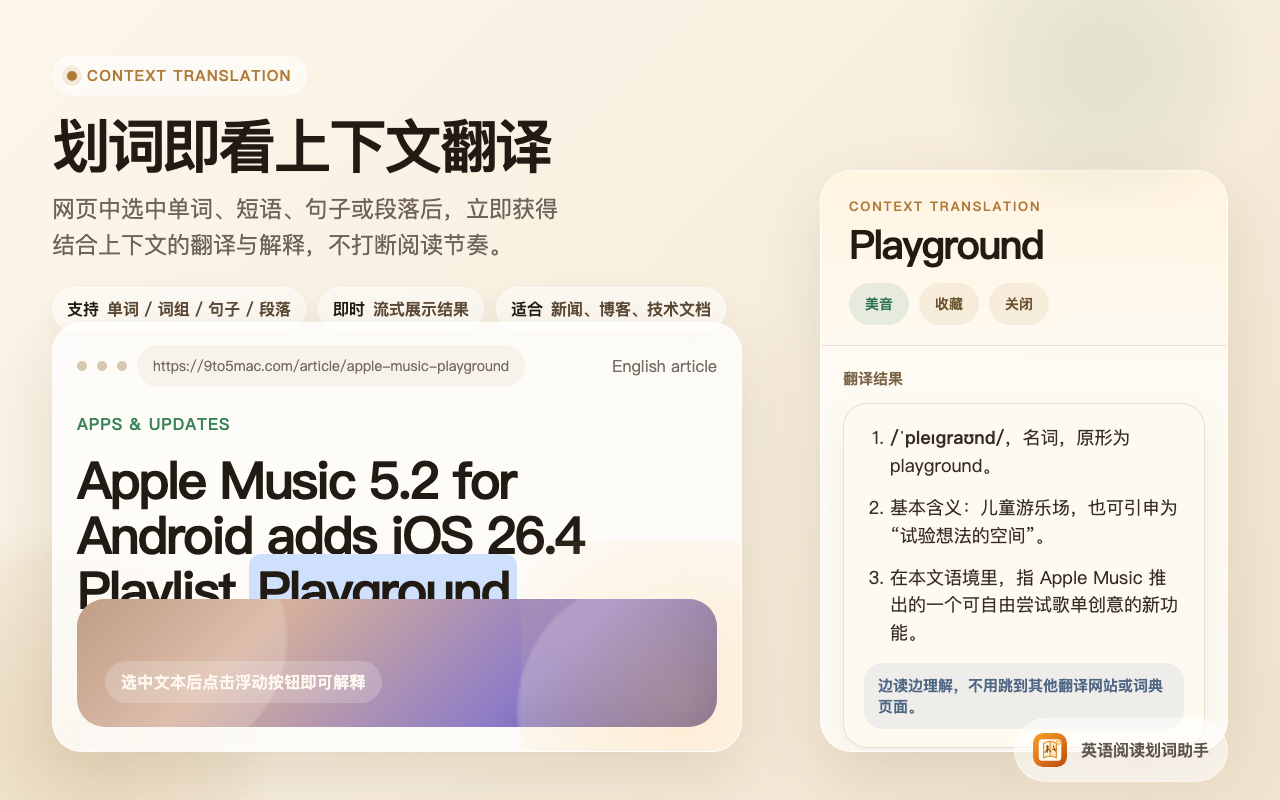
Context Translation
Select text on any English webpage and get context-aware translation and analysis instantly — supports words, phrases, sentences, and paragraphs with streamed results, perfect for reading news, blogs, and technical docs.
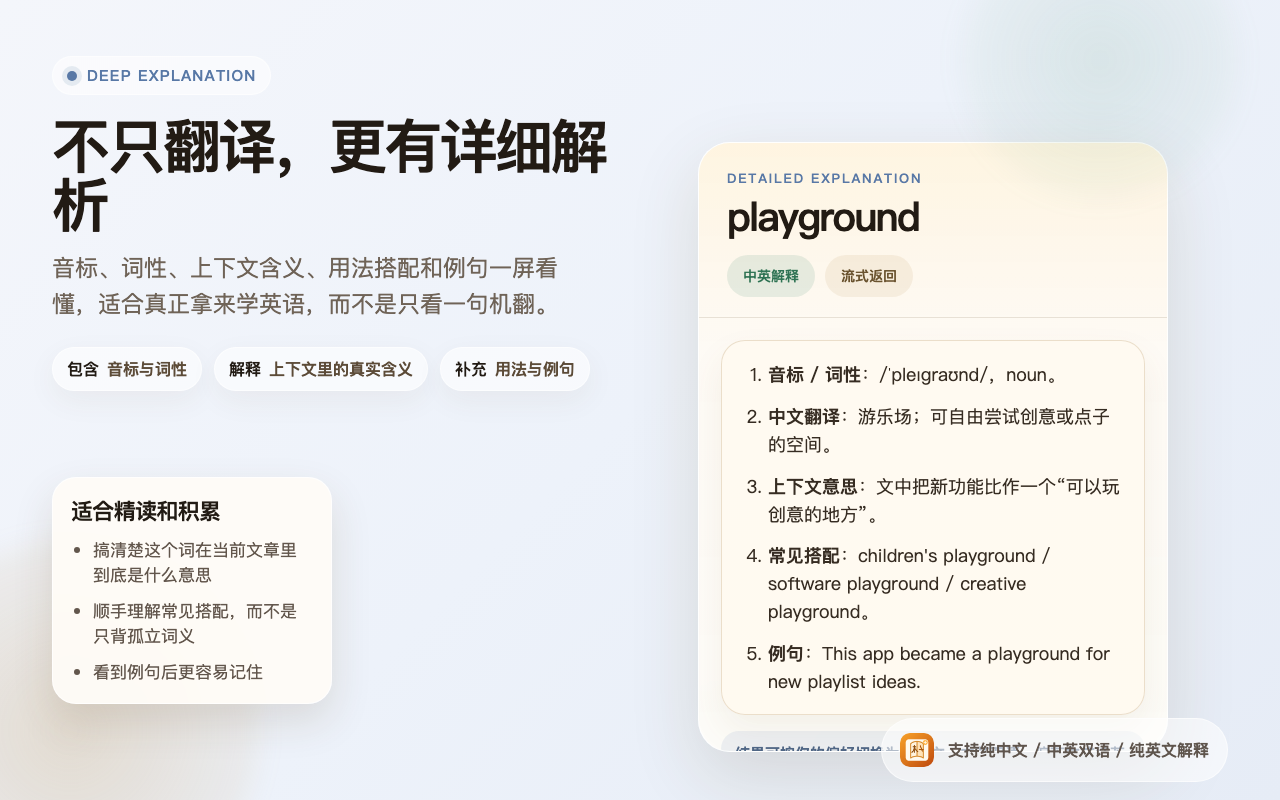
Deep Explanation
More than just translation — get detailed breakdowns including phonetics, part of speech, base form / tense info, contextual meaning, collocations, and example sentences. Ideal for truly learning English rather than just reading machine translations.
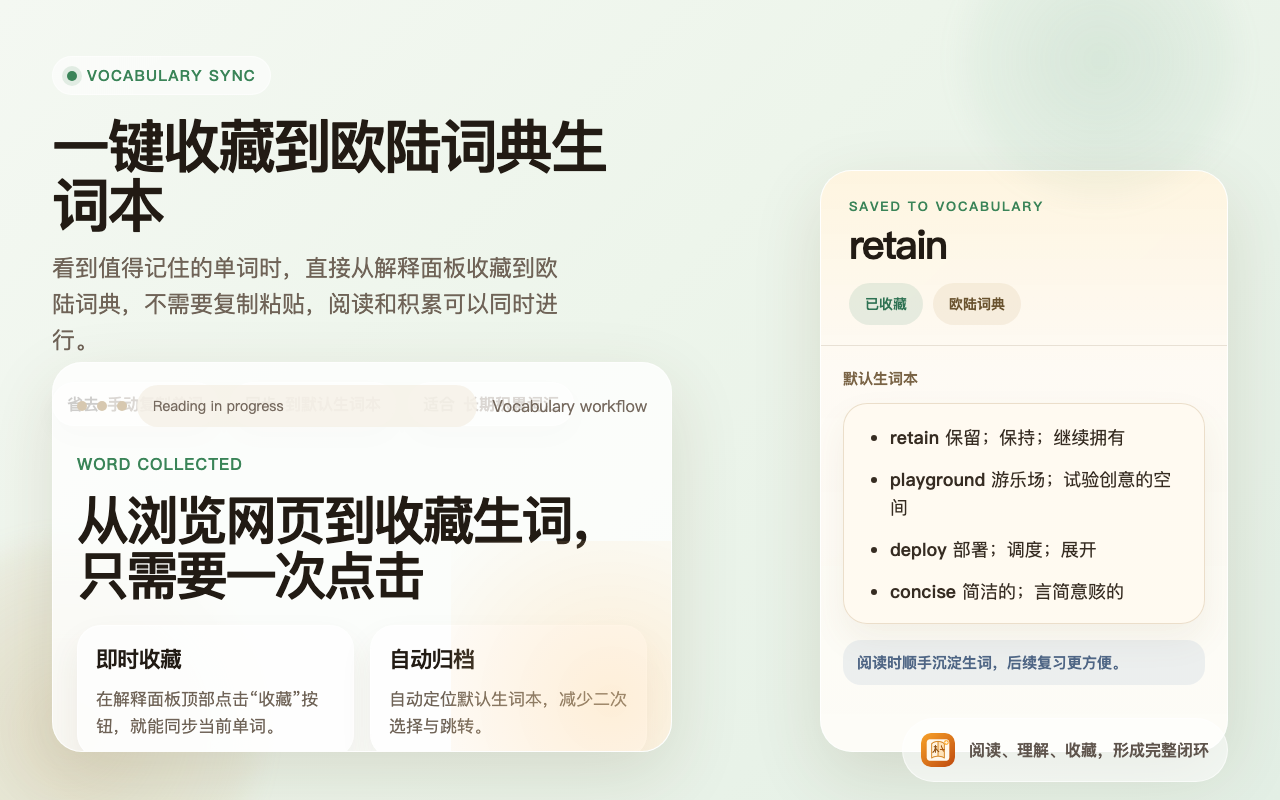
Vocabulary Sync to Eudic
One click to save new words to your Eudic word book. When you come across a word worth remembering, save it directly from the explanation panel — no copy-pasting needed. Reading and vocabulary building happen simultaneously.
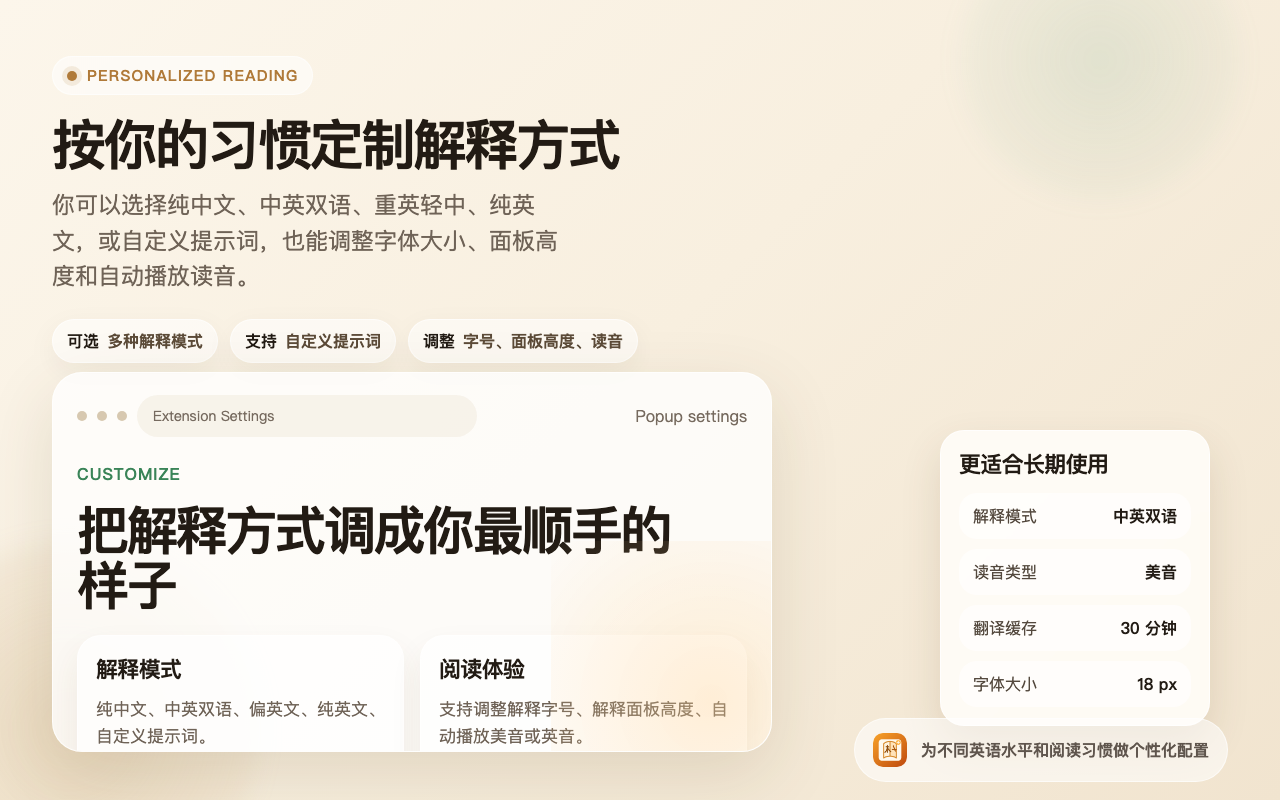
Personalized Reading Settings
Customize your explanation style: choose from Chinese-only, bilingual Chinese-English, English-focused, pure English, or custom prompts. Adjust font size, panel height, and auto-play pronunciation to match your reading habits.
Configuration
- An OpenRouter API Key is required for the translation and explanation features
- A Eudic API Key is required for syncing vocabulary to the Eudic word book
Installation
- Visit the Chrome Web Store page above
- Click “Add to Chrome” to install the extension
- Configure your OpenRouter API Key in the extension settings
- Optionally configure your Eudic API Key for vocabulary sync