Gemini Auto Select Pro Model
A Tampermonkey userscript that automatically switches Gemini to the Pro model on page load and focuses the chat input for a smoother workflow.

Gemini Auto Select Pro Model is a lightweight Tampermonkey userscript for people who use Gemini frequently and want a faster, cleaner start every time they open the site.
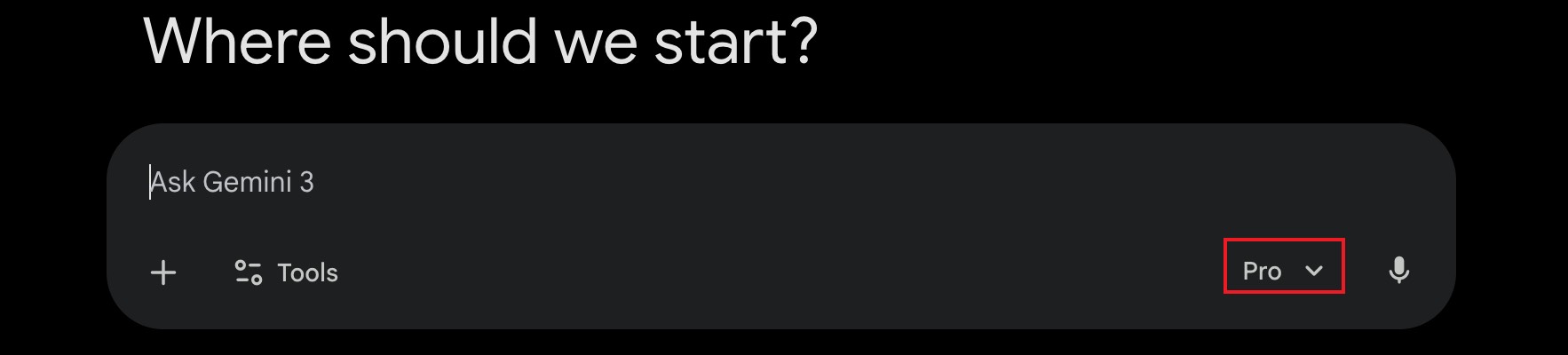
When you enter Gemini, the script automatically checks the currently selected model. If the active model is not Pro, it silently opens the model menu, switches to the Pro model, and then focuses the chat input box so you can start typing immediately.
Features
- Automatically detects the current Gemini model after page load
- Silently switches to the Pro model when needed
- Hides the switching menu overlay during the process for a cleaner visual experience
- Automatically focuses the chat input field after switching
- Re-checks and re-applies the switch when Gemini changes routes dynamically
Why it is useful
If you regularly use Gemini Pro, manually changing the model on every visit is repetitive and easy to forget. This script removes that friction and helps keep your workflow consistent.
It is especially helpful for:
- Heavy Gemini users
- Prompt engineers
- Writers and researchers
- Users who want the chat box ready as soon as the page opens
Installation
- Install a userscript manager such as Tampermonkey
- Open the Greasy Fork page above
- Click install and visit Gemini
- Tags:
- products
- userscript
- tampermonkey
- gemini